
 Snowflake Integration Guide
Last updated Sep 25th, 2026
Overview
Common Room supports importing data from Snowflake on a recurring schedule, keeping your Common Room data in sync with your warehouse. There are two ways to connect:
- Direct Snowflake integration (recommended) — Common Room connects directly to your Snowflake table and reads from it on a schedule, authenticating with no shared secret. This is the simplest and most secure option for most customers.
- Snowflake via secure cloud storage — Snowflake data is staged through a secure cloud storage connection that Common Room imports from. A good fit if it suits your existing data pipeline.
When you bring in customer data like lead status and lifecycle stage, you can measure the impact of community on your business, see which leads are already engaged in your community, and whether your contacts are community-qualified leads.
Both methods run as recurring imports and are set up together with your Common Room team — neither is self-serve from the integrations page.
Availability
The Snowflake integration is included on the Enterprise plan, and is available as an add-on for Team plans. Please work with your Common Room contact for more information.
Direct Snowflake integration (recommended)
With the direct integration, Common Room reads from a single Snowflake table on a recurring schedule. Each connection imports one table into one of three entity types:
- Members — people/contacts in Common Room
- Groups — company/organization attributes
- Custom objects — custom records for flexible data modeling
You can set up multiple connections in a single workspace — for example, one table mapped to members and another mapped to groups, or tables across different Snowflake accounts. Each connection is independent, with its own table reference, role, and field mappings.
Secretless authentication
Unlike most integrations, Snowflake requires no password, key pair, or secret of any kind to be shared with Common Room. Access is granted through AWS Workload Identity Federation (WIF): you authorize Common Room's AWS IAM role on a Snowflake service user, and Snowflake verifies that identity on every connection. There's nothing for Common Room to store, rotate, or leak.
Common Room always connects as one fixed AWS IAM role, the same one for every customer:
arn:aws:iam::322919613312:role/common-room-snowflake-integrationPrerequisites
Before we enable the integration, you'll need:
- A Snowflake account.
- A read-only role that can SELECT the target table, with USAGE on its database, schema, and a warehouse. How that role is built and governed is up to you.
- A service user authenticated via Workload Identity Federation (WIF), bound to Common Room's AWS IAM role. No password or key pair is set on this user.
- The connection details to share with us: account identifier (e.g. ORGNAME-ACCOUNTNAME), database, schema, table, warehouse, and the read-only role.
Setting up access in Snowflake
The only Snowflake-side step we prescribe is creating a service user bound to Common Room's fixed IAM role via Workload Identity Federation, with a read-only role attached. That role needs to SELECT the target table (and USAGE on its database, schema, and a warehouse) — but how you grant that access (dedicated read roles, masking policies, row-access policies, and so on) is entirely up to your own Snowflake governance.
-- Create a service user that authenticates via AWS Workload Identity
-- Federation, bound to Common Room's fixed IAM role (no password or key).
-- Attach your own read-only role via DEFAULT_ROLE.
CREATE USER IF NOT EXISTS SVC_COMMON_ROOM_INTEGRATION
  WORKLOAD_IDENTITY = (TYPE = AWS, ARN = 'arn:aws:iam::322919613312:role/common-room-snowflake-integration')
  DEFAULT_ROLE = <your_read_role>
  DEFAULT_WAREHOUSE = <warehouse>;

-- Allow the service user to assume that role
GRANT ROLE <your_read_role> TO USER SVC_COMMON_ROOM_INTEGRATION;
Setup
- [Customer] Create the read-only role and service user in Snowflake using the SQL above, and grant the role SELECT on your target table (plus USAGE on the database, schema, and warehouse).
- [Customer] Share your connection details with us: account identifier, database, schema, table, warehouse, and role.
- [Common Room] Validate that data can be read from the table.
- [Common Room + Customer] Configure how your Snowflake columns map to Common Room fields, then enable the recurring import.
Contact us if you'd like to set this up or have any questions.
How imports work
- Frequency: Imports run once every 24 hours by default. This can be customized per connection.
- Direction: Read-only. Data flows one way, Snowflake → Common Room. Nothing is written back to your warehouse.
- Disconnecting: If a connection is removed, recurring imports stop. Because authentication is secretless, there are no stored credentials to delete. You can fully revoke access from your side at any time by dropping the service user or revoking the role's grants in Snowflake. Data already imported into Common Room remains.
Snowflake via secure cloud storage
Alternatively, you can stage your Snowflake data through a secure cloud storage connection that Common Room imports from. Like the direct integration, this is configured by the Common Room team — we'll work with you to set it up.
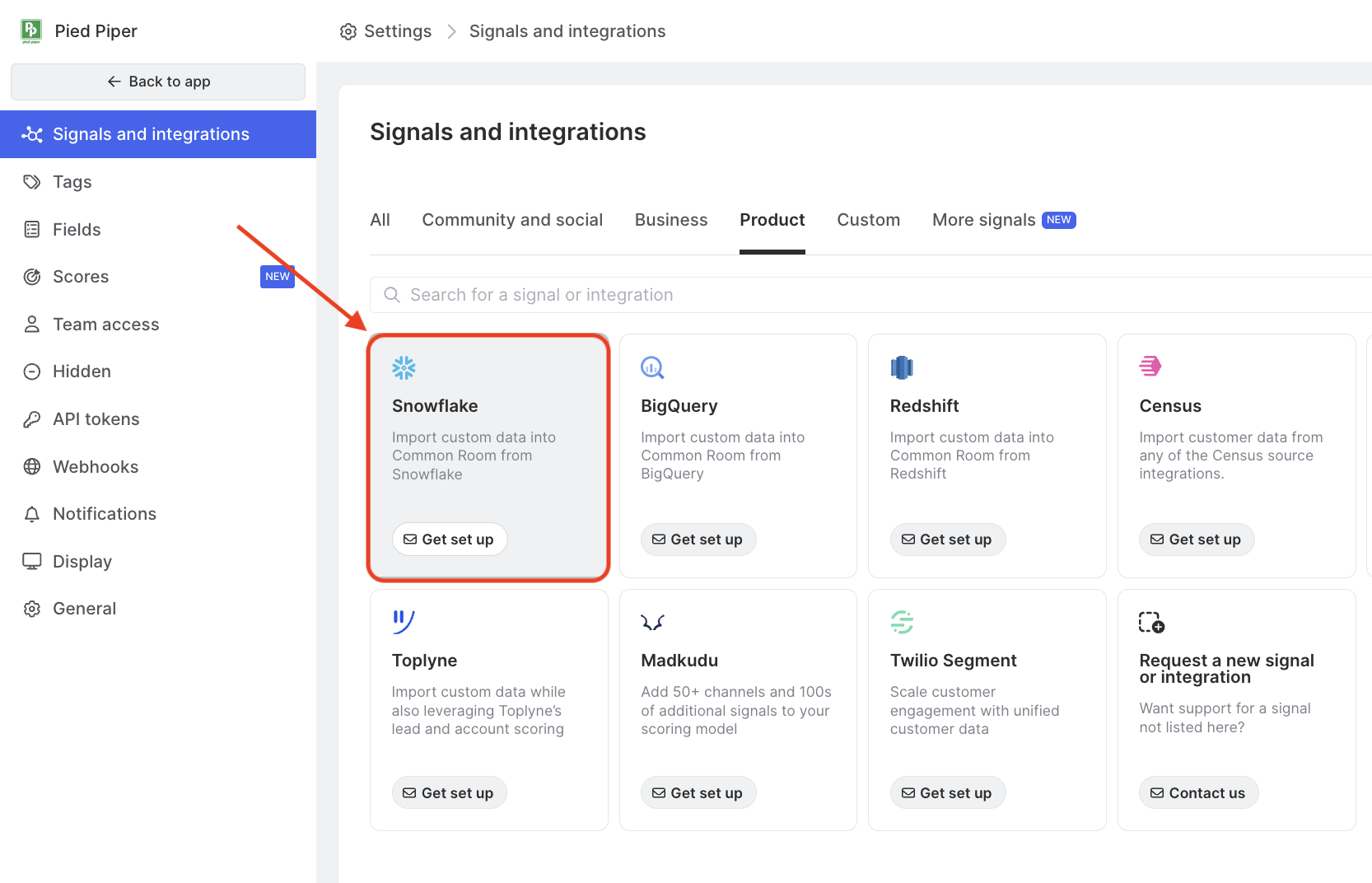
What you can import
Import internal product data from Snowflake like logins, plan type, feature usage, and more.
Import history and sync frequency
Once we've configured your Snowflake integration, Common Room syncs daily.
Contact us if you'd like to explore this option.
FAQ
Which should I use — direct or secure cloud storage?
The direct integration is the simplest and most secure option and is recommended for most customers, since it shares no credentials at all. The secure cloud storage connection remains available if it better fits your existing data pipeline.
How does Common Room authenticate without a password or key?
Through AWS Workload Identity Federation. You bind Common Room's fixed AWS IAM role (arn:aws:iam::322919613312:role/common-room-snowflake-integration) to a Snowflake service user. On each connection, Common Room's role proves its identity to AWS and Snowflake verifies it matches the one registered on the user. No shared secret is ever exchanged or stored.
What Snowflake permissions does the integration need?
The attached role needs USAGE on the database, schema, and a warehouse, plus SELECT on the target table. That is the entire footprint — no write or account-level privileges are required.
Why does the role need a warehouse?
Snowflake requires an active warehouse to execute the SELECT query that drives the import. The role only needs USAGE on it (permission to run queries), not ownership.
What format is the account identifier?
ORGNAME-ACCOUNTNAME — the organization and account name joined by a hyphen. You can find it in Snowsight under your account details.
Can I import from multiple Snowflake tables?
Yes. With the direct integration, each table is a separate connection, and there's no limit to the number of connections per workspace.
How often does data sync?
By default, imports run every 24 hours. The frequency can be customized per connection.
What happens if my table structure changes?
If columns are renamed or removed, the field mappings will need to be updated. Reach out to your Common Room contact and we'll adjust them.
Does disconnecting remove previously imported data?
No. Data already imported into Common Room remains. Only future imports stop, and you can revoke Common Room's access at any time from Snowflake.